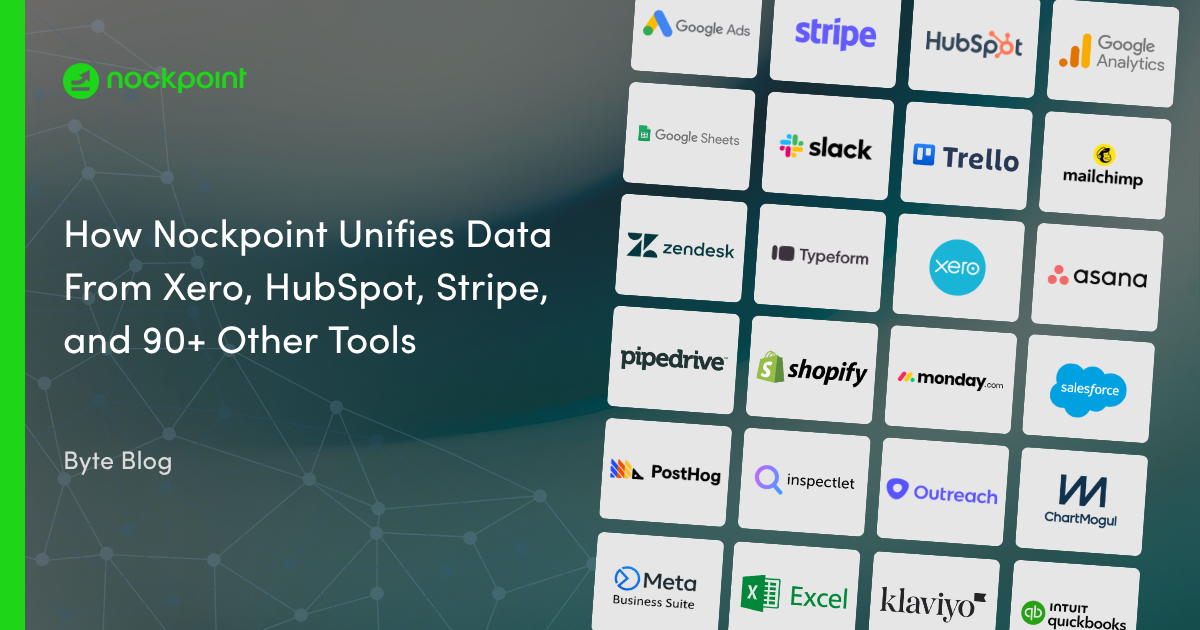
Connect Nockpoint to any file to bring spreadsheet, CSV, and exported data into the same view as the rest of your business metrics. Upload files directly or point Nockpoint to a shared source and build dashboards from data that lives outside your connected apps — no manual copy-paste or reconciliation required. Ideal for teams that want budgets, exports, and one-off datasets sitting alongside their live sales, marketing, and operational data.
Nockpoint lets you upload files directly — CSV, Excel, and other common spreadsheet formats — or connect to a shared file location. Once imported, your file data is available to build dashboards alongside your other business metrics.
Nockpoint supports common formats like CSV and Excel spreadsheets, so you can bring in exports, budgets, and manually maintained datasets without reformatting them first.
Yes. You can re-upload an updated version of a file or connect to a file that refreshes on a schedule, so your dashboards reflect the latest data without rebuilding them.
Absolutely. Nockpoint lets you combine imported file data with your live app connections, giving you a single view that blends spreadsheets and exports with real-time business data.
Yes. Nockpoint stores your uploaded file data using encrypted, secure storage with read-only access in your dashboards, so your data stays protected and is never altered.

-Logo.wine.png)