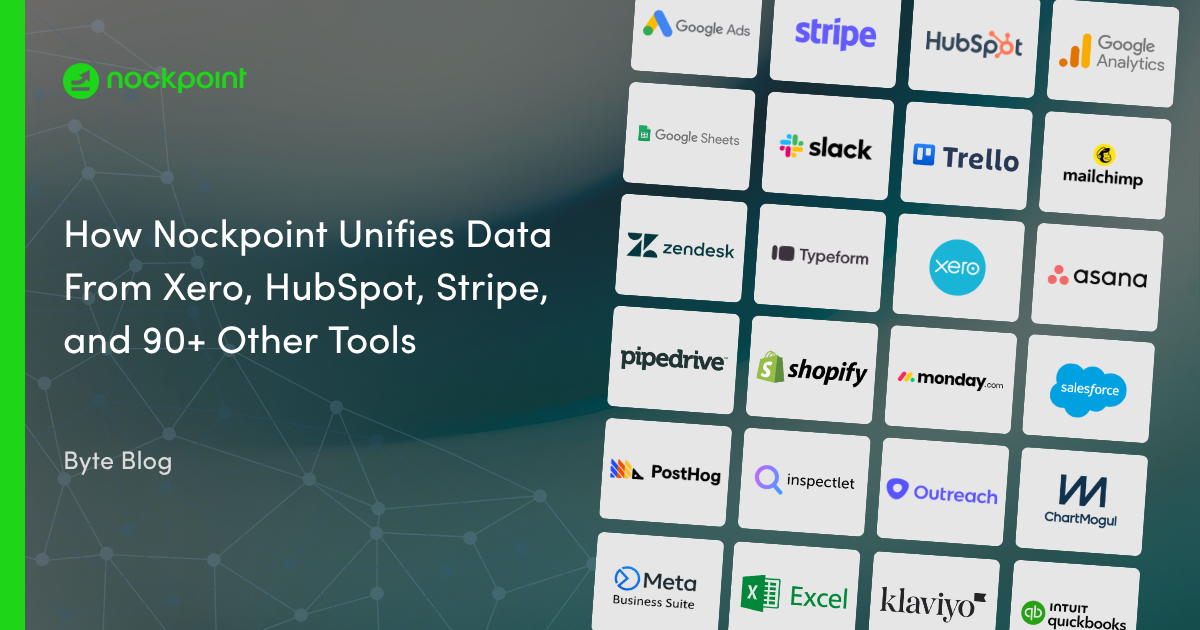
Connect Nockpoint to Hub Planner to unify your resource scheduling, capacity, and project planning data alongside the rest of your business metrics. Build dashboards that track resource utilization, capacity, bookings, and project time in real time — no manual CSV exports or spreadsheet reconciliation required. Ideal for teams that want Hub Planner resource data sitting in the same view as their finance, operational, and project data.
Nockpoint connects to Hub Planner using a secure API key. Once connected, Hub Planner resources, bookings, projects, and capacity data sync automatically into Nockpoint for reporting and visualization.
Yes. Nockpoint calculates resource utilization, capacity, bookings, and project time directly from your Hub Planner data, so you don't need to build spreadsheet formulas or manually update schedules.
Nockpoint keeps Hub Planner data up to date through scheduled syncs, so dashboards reflect current scheduling and capacity activity without manual refreshes.
Yes. Nockpoint lets you relate Hub Planner resource data to other connected sources — like finance, project, or CRM platforms — to build a single source of truth across your business.
Yes. Hub Planner connections in Nockpoint use encrypted, credential-based authentication, and access can be scoped to read-only if you don't need write-back functionality.
-Logo.wine.png)