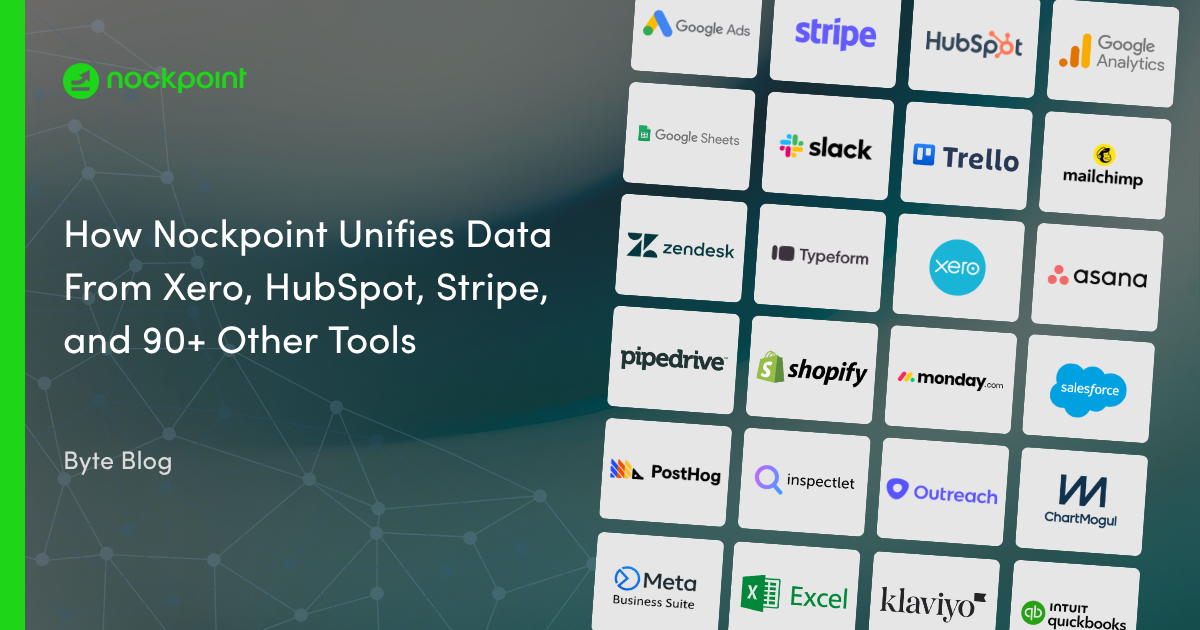
Connect Nockpoint to Open Exchange Rates to unify live and historical currency exchange rate data alongside the rest of your business metrics. Build dashboards that convert and normalize multi-currency revenue, expenses, and transactions in real time — no manual CSV exports or spreadsheet reconciliation required. Ideal for teams that want Open Exchange Rates data sitting in the same view as their finance, accounting, and analytics data.
Nockpoint connects to Open Exchange Rates using a secure API key. Once connected, live and historical exchange rate data syncs automatically into Nockpoint for reporting and visualization.
Yes. Nockpoint uses Open Exchange Rates to normalize and convert revenue, expenses, and transactions across currencies, so you don't need to build spreadsheet formulas or manually apply exchange rates.
Nockpoint refreshes Open Exchange Rates data through scheduled syncs, so dashboards reflect current exchange rates without manual updates.
Yes. Nockpoint lets you relate exchange rate data to other connected sources — like accounting, payments, or sales platforms — to build a single source of truth across your business.
Yes. Nockpoint connections use encrypted, credential-based authentication, and Open Exchange Rates data access is read-only for reporting and analysis.

-Logo.wine.png)